
Order with Google
Found on Google. Ordered direct.
Make your own menu the Order online button on Google Search and Maps. No marketplace in the middle, no commission.
Turn searches into direct orders
Found on Google, ordered somewhere else
Guests search your name, tap Order online and land on a marketplace you never added.
Your menu, set as preferred
Your Storekit store becomes the first option for pickup and delivery on your profile.
Commission on a guest you won
They searched for you. The app still takes up to 30% of the order.
0% commission
Orders from Google land in your own store, at your prices.
A customer you never meet
Whoever takes the order keeps the name, the email and the habit.
A guest record you own
Every order builds a guest you can reach again with a campaign or a reward.
From a search to your kitchen
01
Search
They find you on Google Search or Maps.
02
Tap
Order online opens with your menu first.
03
Order
Your brand, your prices, your checkout.
04
Yours
The order hits your kitchen. The guest joins your list.
Setup
Live in five minutes
Free on Google, free on Storekit.
Delivery apps on your profile you never added? Our step-by-step guide shows how to opt out of each one.
Claim your profile
Verify your restaurant at google.com/business, if you haven't already.
Add your Storekit link
Paste your store URL under Order online links.
Set it as preferred
Turn on Preferred for pickup and for delivery.
Make it your main link
Connect Google in Storekit and link each store to its location.
#1
Converting checkout
5x
5-star Google reviews
+6.4%
Spend per head
0%
Commission fees
Operators taking orders direct
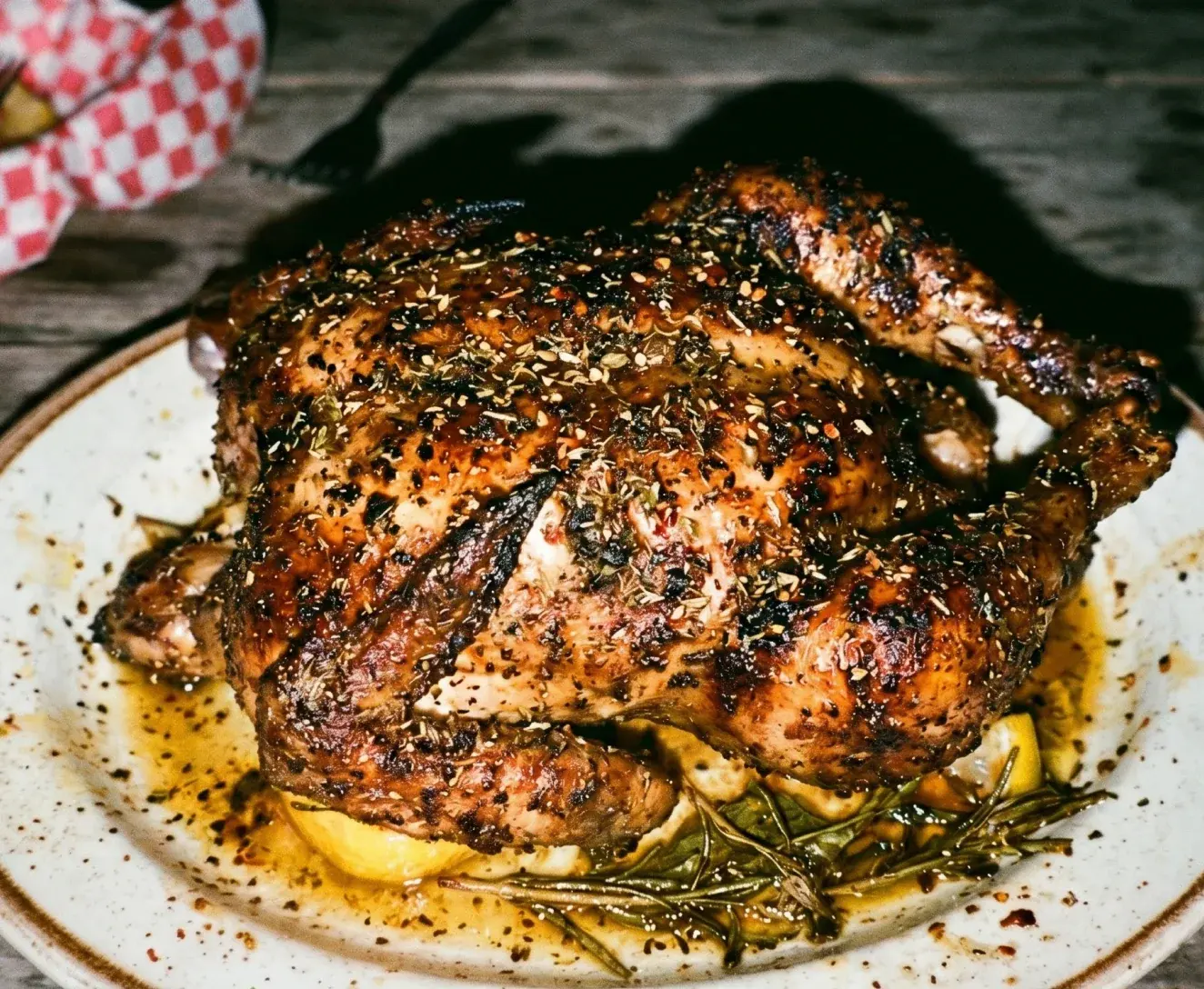

£7.60
saved per delivery order vs marketplace fees
It's vital that the experience for the customer feels the same, and looks better than what they're used to with the marketplace apps, otherwise they won't use it again.
Saman Karimi · CTO · Manjaros
Read the case study →
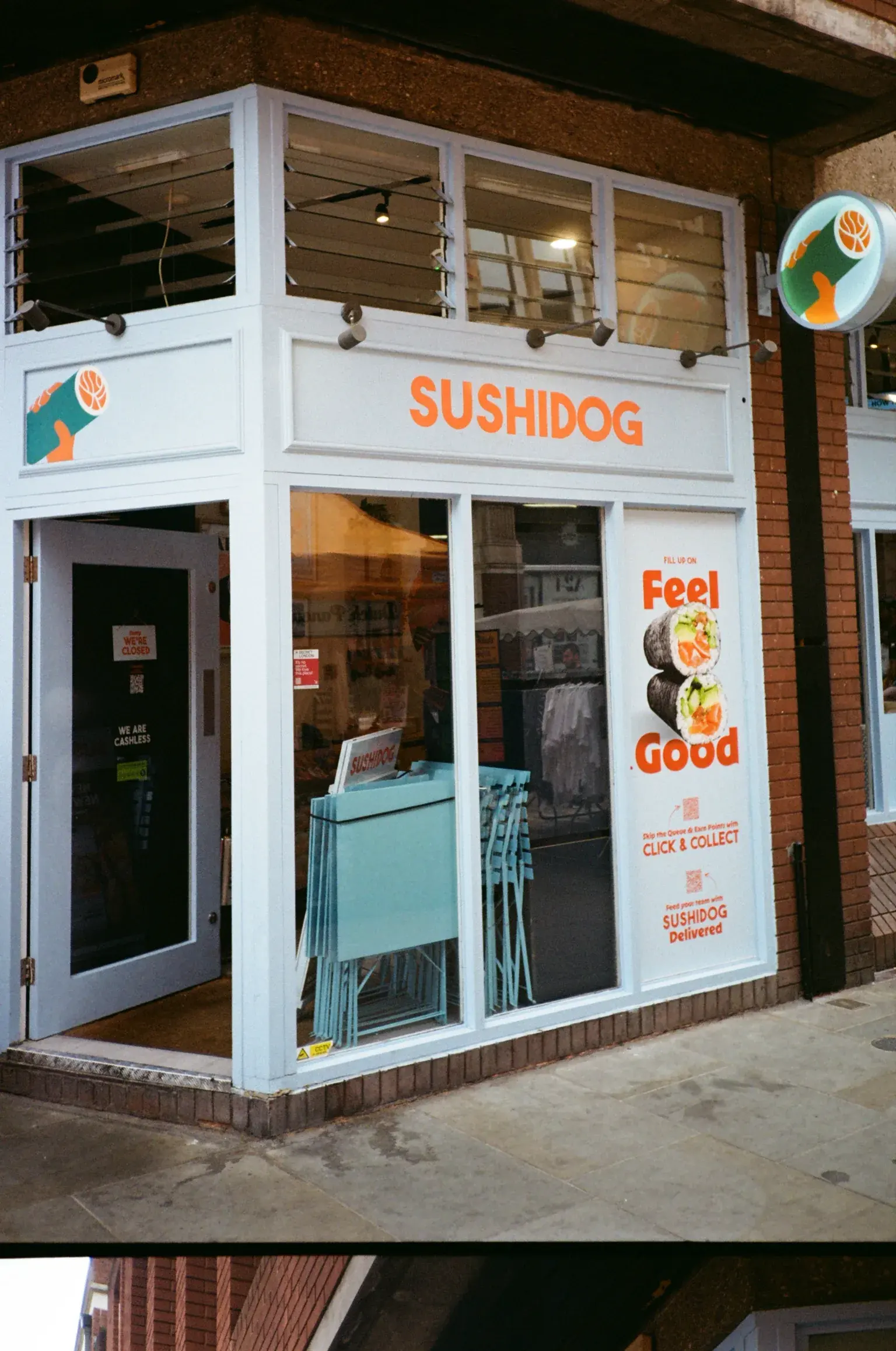

2x
usage of direct ordering and loyalty
We chose Storekit because they genuinely understand the realities of running a fast-paced QSR brand. They offer a flexible solution that has scaled with us, integrating into our existing tech stack with no issues.
Catherine Wells · Senior Marketing Manager · SushiDog
Read the case study →
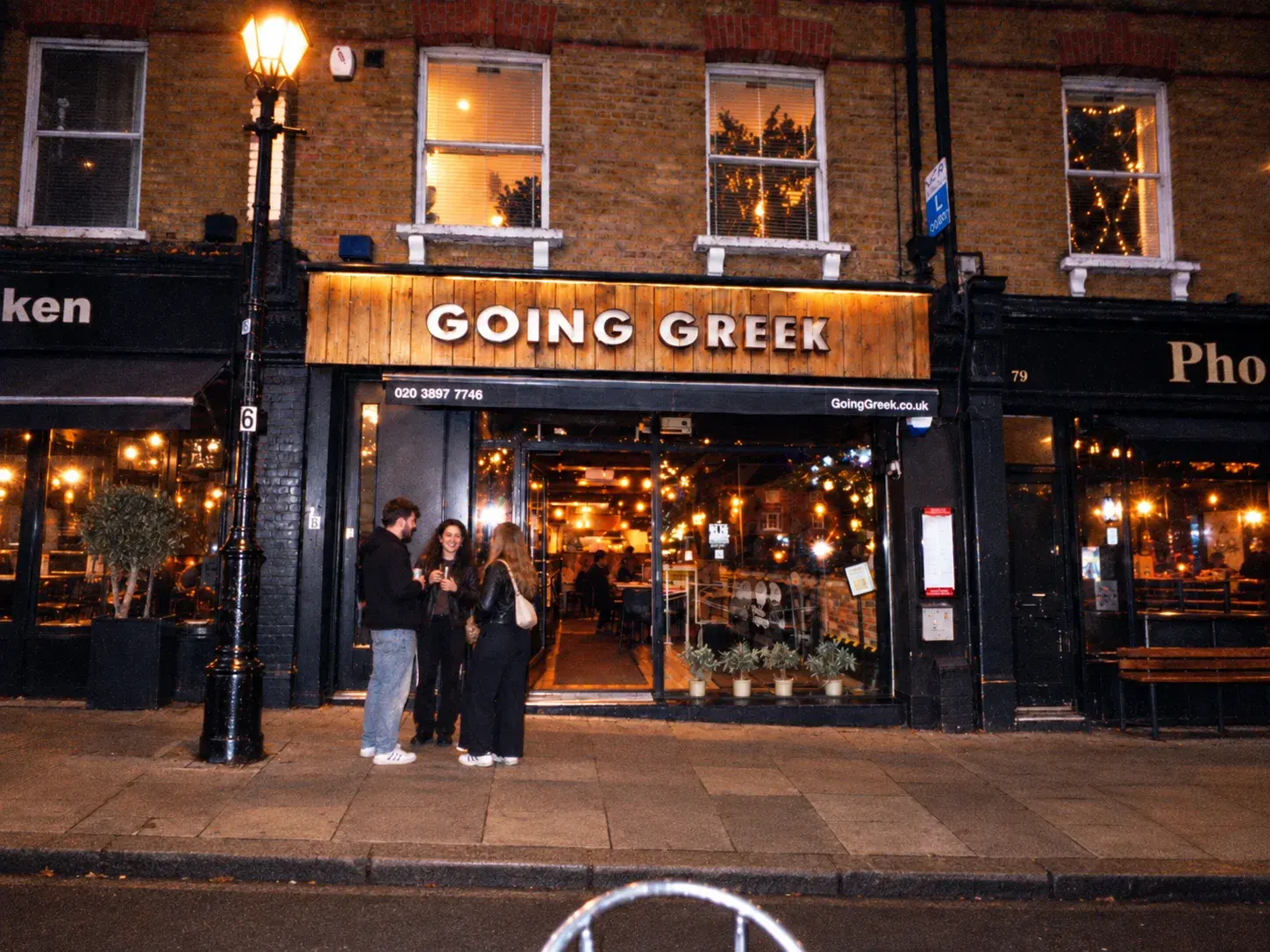

65%
of in-venue orders go through Storekit
It just works. We don't need to babysit it.
Founding team · Going Greek
Read the case study →
Then send the happy ones back
Storekit asks every guest how it went. Strong feedback goes to Google, weak feedback comes to you first.
Order with Google, asked and answered
What is Order with Google?
The Order online button on your Google Business Profile, on Search and Maps. It lists the places a guest can order from you. You choose which one comes first.
How do I add my Storekit menu to Google?
Add your Storekit store URL under Order online links on your profile, set it as preferred for pickup and delivery, then link the store to its Google location in your Storekit dashboard. It takes a few minutes.
Does it cost anything?
No. Your Business Profile and the ordering link are free on Google, and Storekit takes no commission on the orders.
Why are delivery apps on my profile when I never added them?
The apps add their own links. Since October 2026 you can opt out of each one from Food ordering on your profile. Storekit can't remove them for you, but our guide shows every screen.
Who owns the guest data from Google orders?
You do. Every order through your Storekit store builds a guest record in your dashboard, ready for campaigns and loyalty.
Does it work for delivery and collection?
Yes. Set your link as preferred for both. Delivery runs on your own zones and drivers, or on demand through Uber Direct.
I run more than one site. What changes?
One link per location. Each Google location gets its own Storekit store link, so nobody orders from the wrong kitchen.
Does this help with AI search?
Yes. Google's AI and assistants like ChatGPT and Gemini read your profile to find where to order. A preferred Storekit link sends them to you.
Found on Google.
Ordered direct.
We'll show you the button, your checkout and the guest data you get back.